Year in review with Money Tracker
By Yaro on Monday, Dec 25, 2023
How to summarize the results of the year? Money Tracker has a few simple and convenient tools for it! Let us tell you about them.

We have already written about summing up the year with Money Tracker here. But it seems that the post turned out to be more about the intricacies of reports than about summing up the year. Here, we will talk about how to get a holistic picture of your finances for the year.
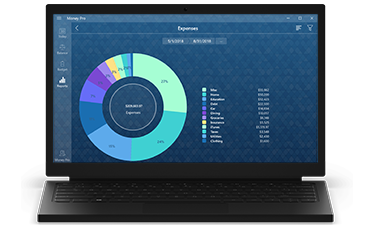
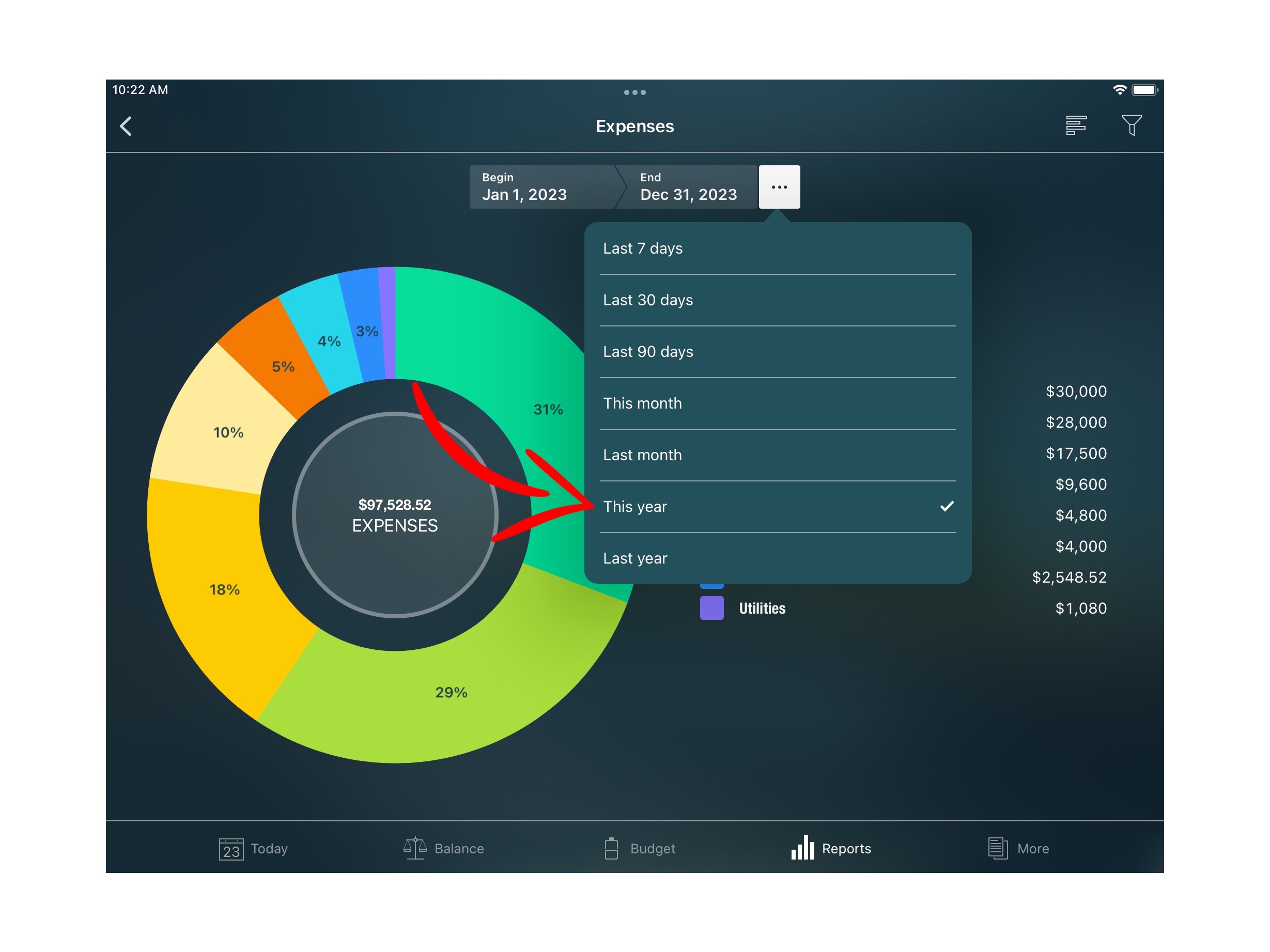
Let us start with the basics. Open the Income/Expenses report and set the view mode to the current year. And right in front of you - all your expenses for the year! For each category, you can also get a list of transactions. Just press the one you need.
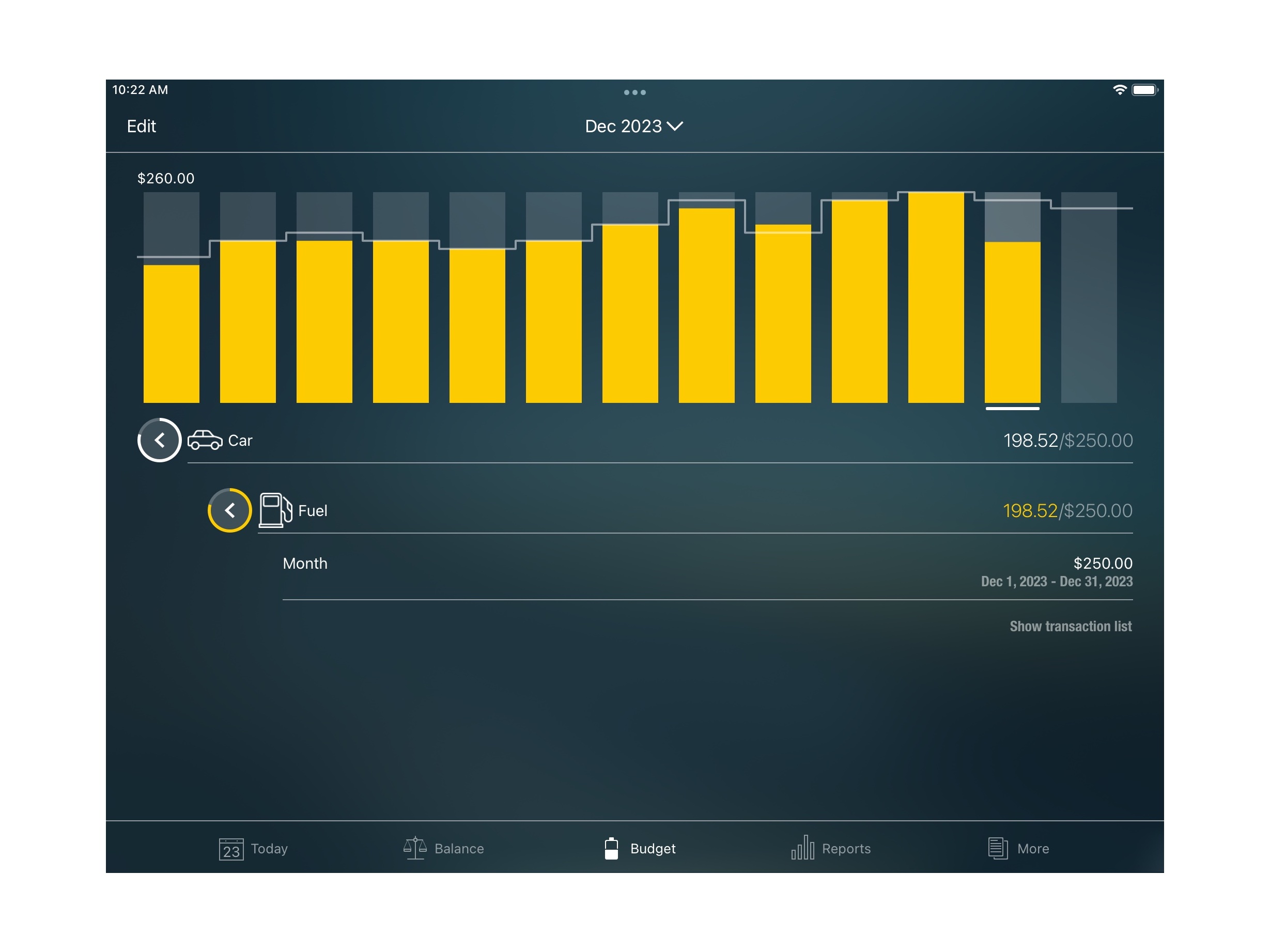
Do you want to look at your finances over time? In Budget, you can select a category and see it in dynamics. And if you have a Gold subscription, you can build those graphs in AR on mobile devices and tablets to view all your categories at once.
Do you want to save your transactions on paper? Open the Transactions report and export them.
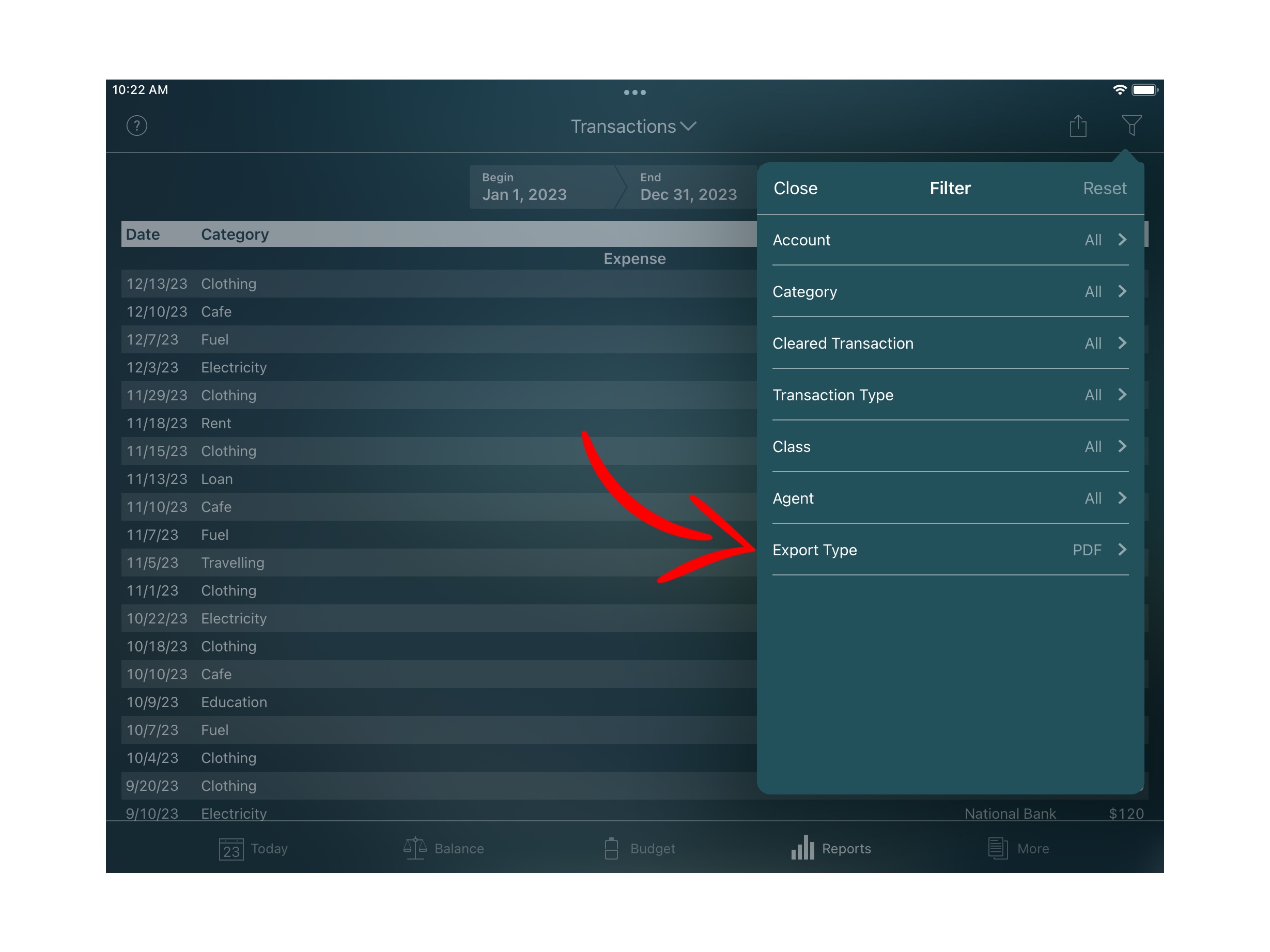
If you want your colleagues or relatives to add their transactions themselves, share your profile with them. Here, we described how to do it and what is required. Contact us at [email protected] if you have questions about it. Contact us if you have any questions😀
Money Tracker is the best gift for the New Year! Follow the link to install.
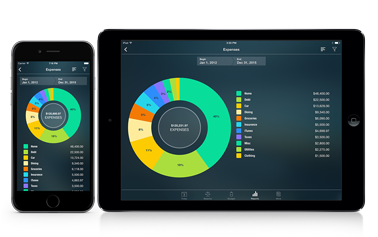

Money Tracker for iPhone and iPad
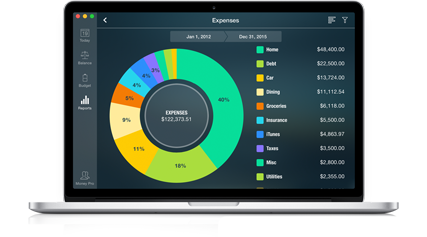

Money Tracker for Mac

Money Tracker for Android