New Sync Service for uniting iOS, Android & Mac
By Julia on Saturday, Dec 22, 2018
Introducing you our new service - Money Tracker Sync!
You might have a question arising: “Why would I need this new Money Tracker Sync service?”
The answer is simple. If you track expenses on your iPhone and Mac and this is what you are satisfied with, you don’t need this service. Please continue using iCloud sync.
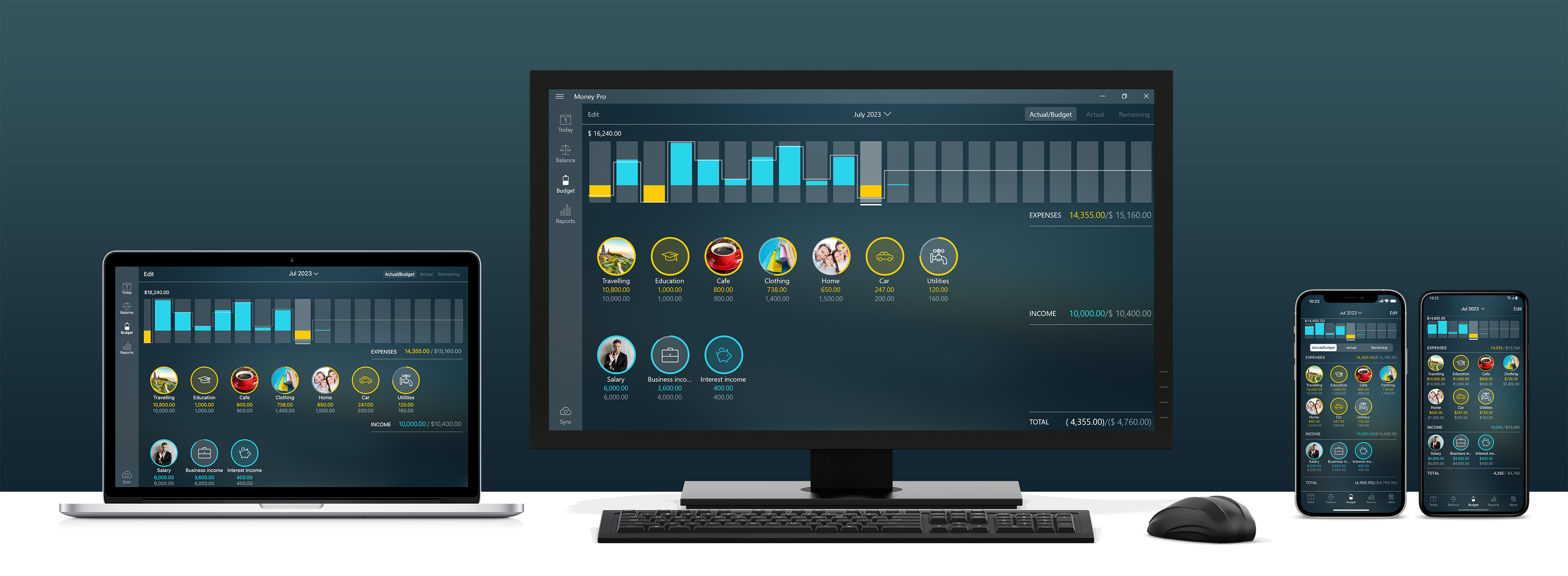
Money Tracker Sync is for those who want cross-platform syncing, sharing data between iOS, Android & Mac. Windows 10 will join the list in the near future.
So if you’re interested in the service let’s see how you can easily set up your gadgets.
Money Tracker Sync: common settings
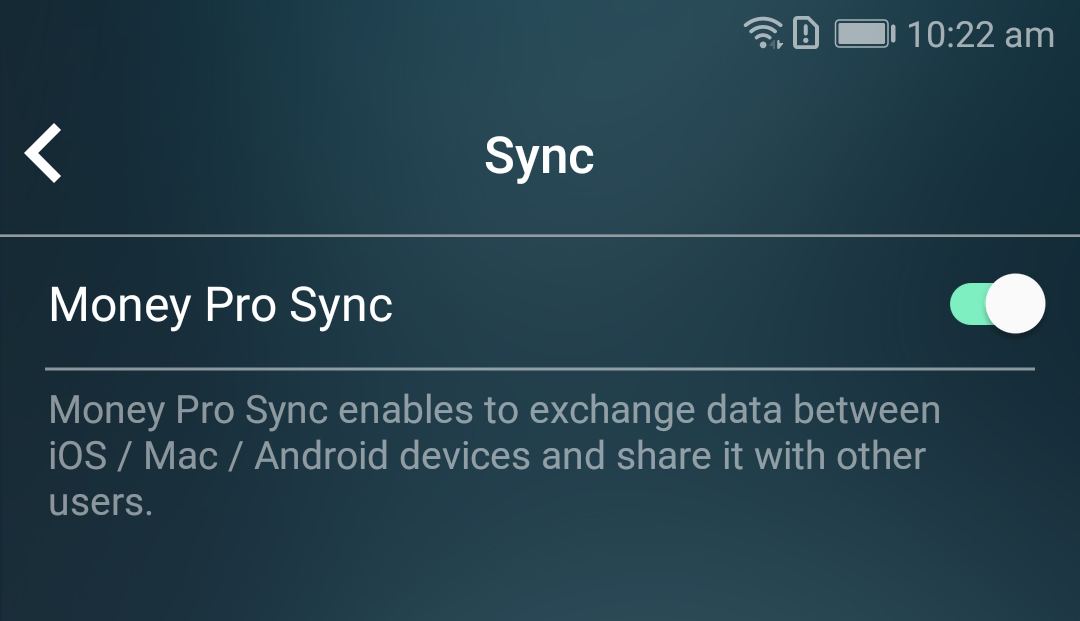
The first step is to sign up for Money Tracker Account. You can do it on the tab More. Here you’ll be given a choice of three: Google, Facebook, Email. In case you choose to sign up with an email you’ll have to confirm your email address - to enter the code sent to your email address. With Google and Facebook registration the app will request your email address from these websites. Once you’ve signed up for Money Tracker Account don’t forget to turn Money Tracker Sync ON.
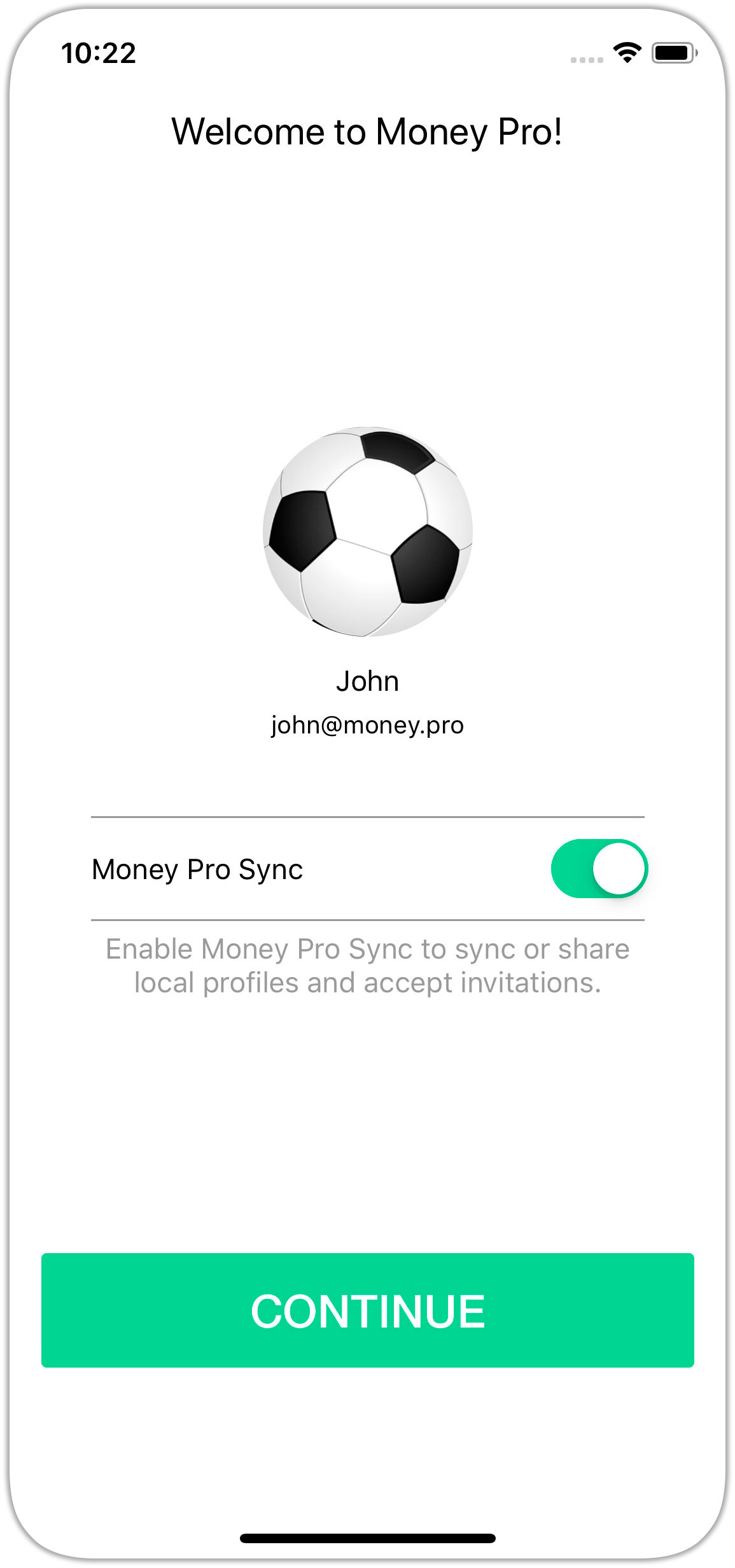
The second step is to set up your second device (Mac, iPhone, iPad, Android). Just sign in to your Money Tracker Account from the device you’re setting up.
Go to More (or Money Tracker > Preferences for Mac) and tap Money Tracker Account. Turn Money Tracker Sync ON and tap “Continue”.
Repeat the same procedure for all the devices you want to unite. And you’re all set!
Have anybody to track expenses with? A spouse? A business partner? Money Tracker Sync allows to connect other user’s device as well.
Money Tracker Sync: connecting other users
- You’ve already set up Money Tracker Sync on your device. Now you need to invite another user. Go to More > Sync and tap “Share” next to the profile you want to share.
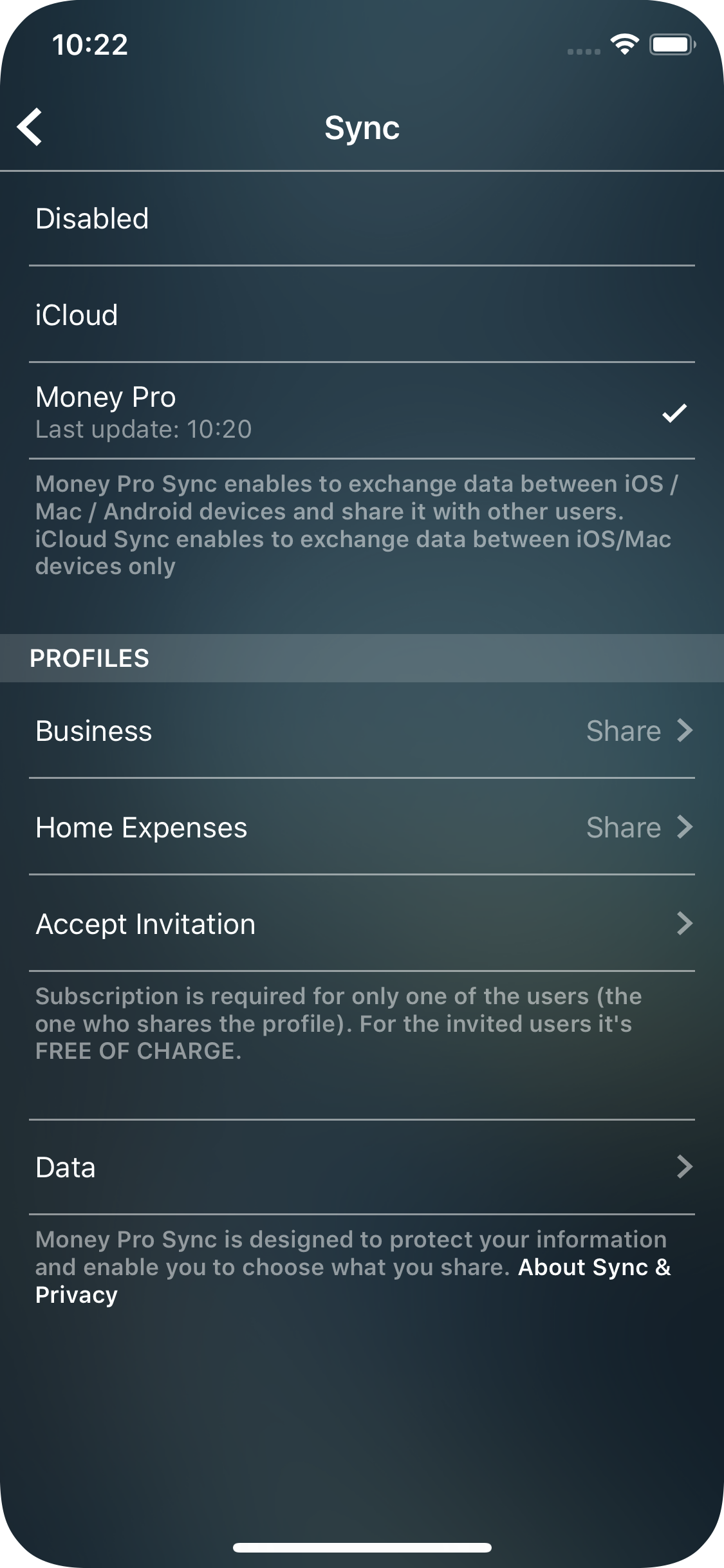
The app will generate and show on the screen QR-code.
-
The invited user should also sign up for his own Money Tracker Account (Money Tracker Sync: common settings) and turn Money Tracker Sync ON.
-
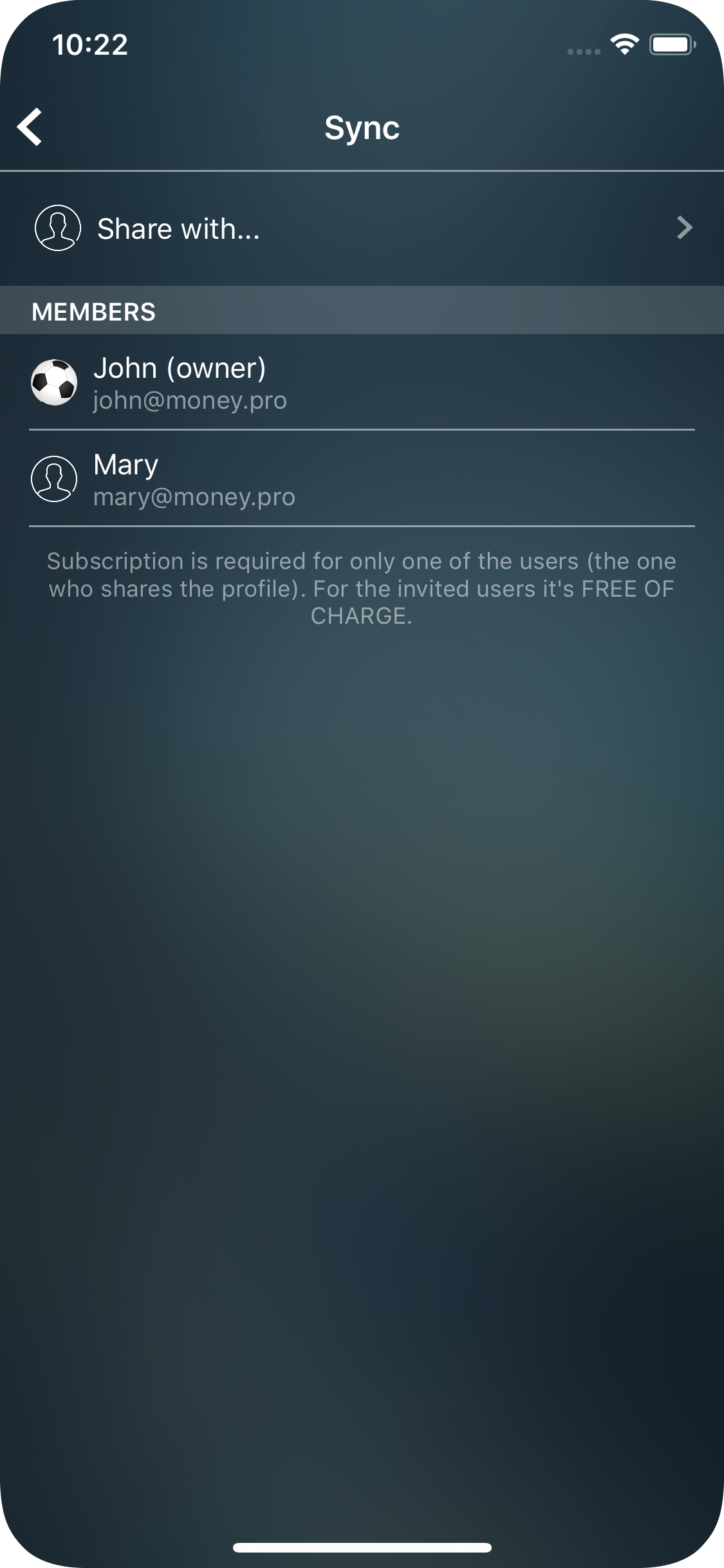
To accept your invitation, the invited user has to go More > Sync > Accept invitation and scan QR-code with the camera on his/her device or enter the code provided. The shared profile will appear on his/her Sync form.
Money Tracker Sync: fees
The service is provided for a small monthly fee and is available with subscriptions PLUS or GOLD. If there are a few users who want to exchange data between them the only user who has to subscribe is the Profile’s owner. All the invited persons will use the service FOR FREE.
The Profile’s owner can subscribe for a month, 6 months or a year.
PLUS subscription includes Money Tracker Sync service only.
GOLD subscription provides two main services: Online Banking and Money Tracker Sync.
If you have already been using Online Banking please feel free to set up Money Tracker Sync as well. You do not need any other subscriptions.
If you are a Family Sync subscriber you can easily switch to Money Tracker Sync service. Besides sharing your data with other users you will be able to sync your data across iOS/Mac/Android devices.
Money Tracker Sync will be free for you till your subscription is expired.
And please, be aware that iCloud sync remains free, and allows you to sync data between iOS and Mac devices.
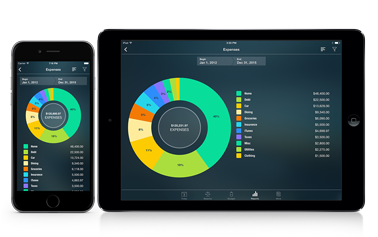

Money Tracker for iPhone and iPad

Money Tracker for Mac

Money Tracker for Android